
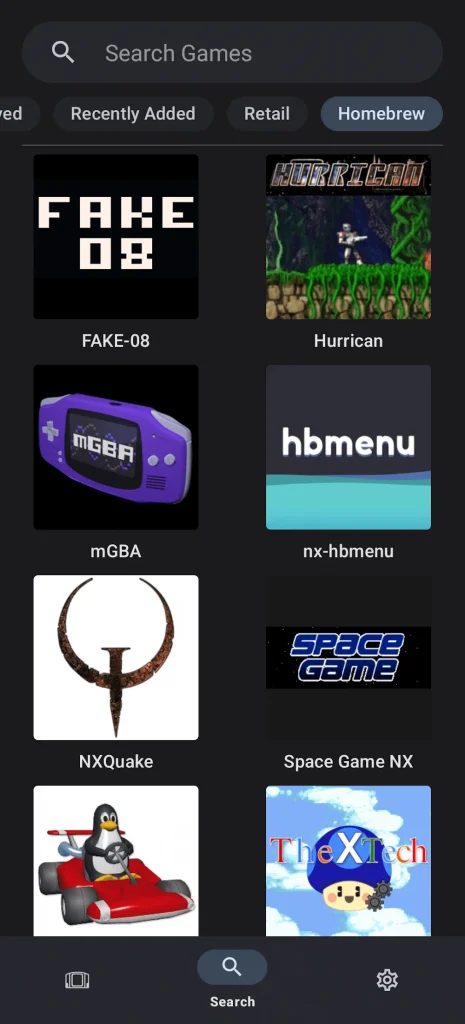
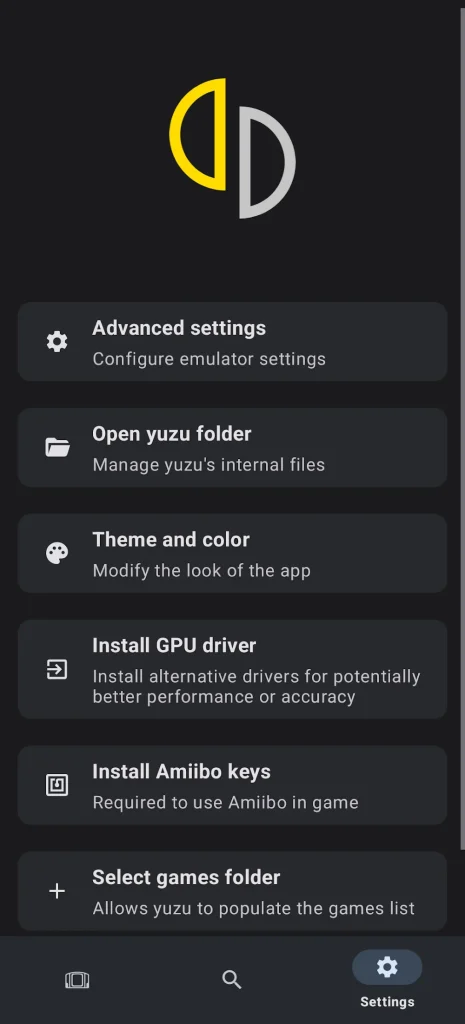
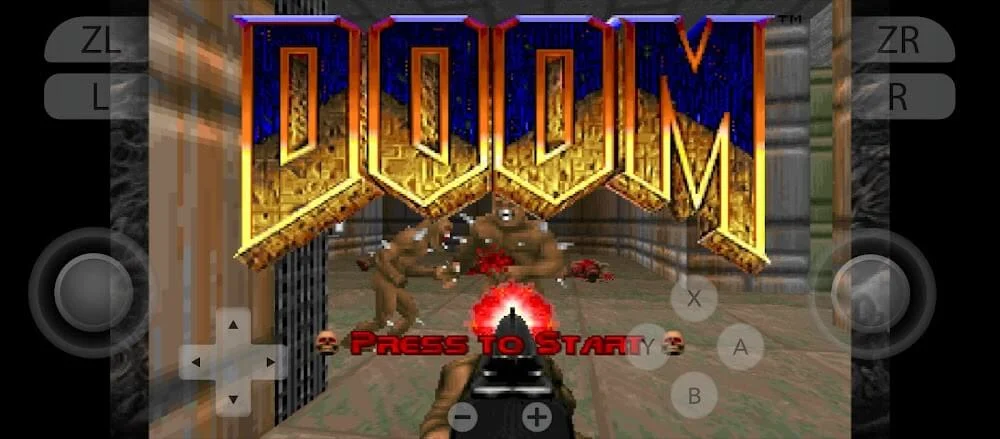
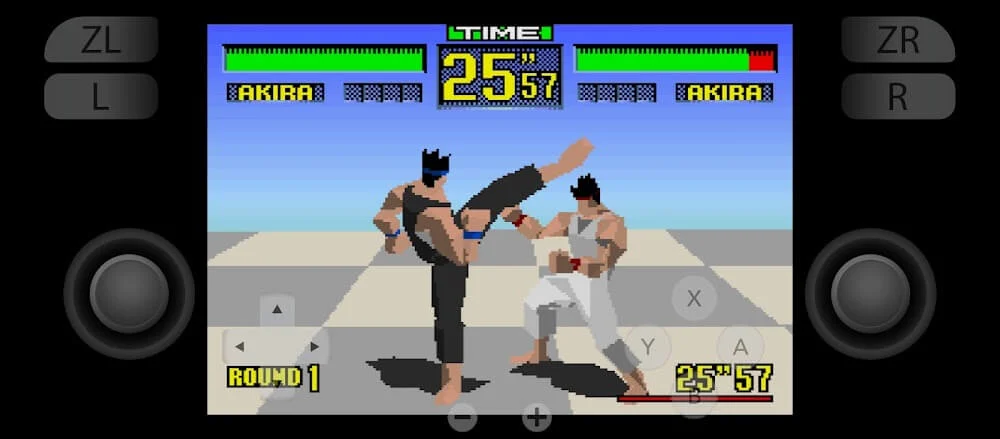
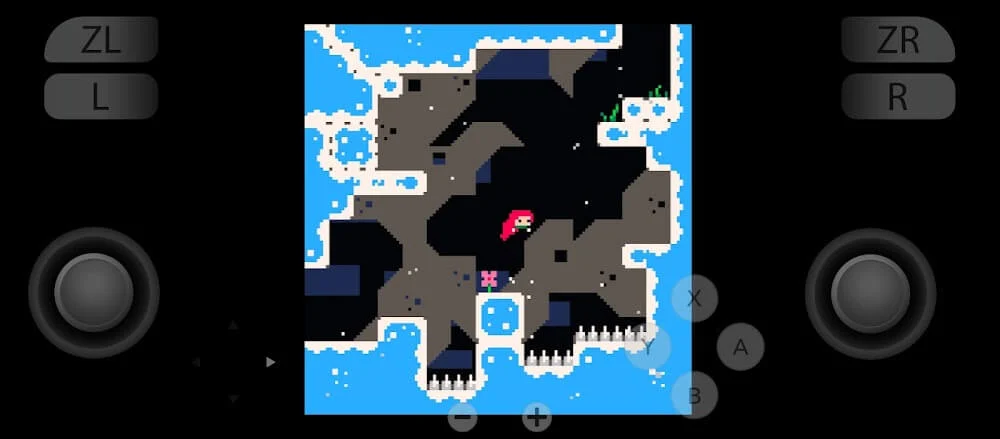
The Yuzu Emulator App became popular among gamers who wanted to play Nintendo Switch games on devices other than the original console. It offered a way to run compatible Switch titles on Windows, Linux and Android devices, with options to adjust graphics, controls and performance.
However, Yuzu is no longer officially developed or distributed. Its creators discontinued the project in March 2024 following a legal settlement with Nintendo. Understanding what the emulator offered, how it worked and the risks of using unofficial versions can help users make informed decisions.
Understanding the Yuzu Emulator App
Yuzu was an open-source Nintendo Switch emulator developed by the creators of Citra, a Nintendo 3DS emulator. It was designed to reproduce parts of the Switch hardware and software environment, allowing compatible games to run on supported computers and Android devices.
Unlike cloud gaming services, Yuzu processed games locally using the device’s CPU and GPU. This meant performance depended heavily on hardware capabilities, emulator settings and the particular game.
Yuzu also supported several features that made it appealing to PC gaming enthusiasts, including customizable controls, graphical enhancements and different rendering options.
Key Features That Made Yuzu Popular
Yuzu provided more than basic game emulation. Its settings allowed users to adjust their gaming environment according to their device’s capabilities.
Graphics and Resolution Settings
One of Yuzu’s main attractions was its ability to render compatible games at resolutions different from those used on the Nintendo Switch. Users with capable graphics hardware could select higher rendering resolutions, while those using less powerful systems could lower settings to improve performance. Visual results varied by game and hardware configuration.
Customizable Game Controls
The emulator supported keyboard input and compatible game controllers. Players could configure button mappings to match their preferences.
This flexibility was particularly useful for people accustomed to PC controllers rather than Nintendo’s original Joy-Con layout. However, games requiring special motion controls or other Switch-specific features could need additional configuration.
Vulkan and OpenGL Support
Yuzu supported Vulkan and OpenGL graphics APIs on desktop platforms. These options helped users choose rendering methods suited to their graphics hardware.
Vulkan could offer better performance in certain configurations, but it was not automatically the best choice for every game. Driver compatibility and system specifications also influenced results.
Game Compatibility
Not every Nintendo Switch title worked correctly with Yuzu. Some games ran well, while others experienced graphical errors, audio problems, crashes or incomplete functionality.
Compatibility could also change between emulator versions. Because official development has ended, unresolved issues in the final releases are unlikely to receive official fixes.
Yuzu Emulator on Android and PC
The desktop and Android versions served similar purposes but had different hardware requirements. On Windows and Linux, users generally had more flexibility when adjusting graphics settings and choosing powerful CPUs or dedicated GPUs. A suitable gaming PC could deliver better results than a typical smartphone, especially in demanding games.
The Android version brought Nintendo Switch emulation to supported mobile devices. However, mobile performance was more sensitive to chipset capabilities, graphics drivers, memory limitations and temperature.
A phone with a powerful processor might still struggle with certain games because emulation creates additional processing demands. Overheating could also cause performance to decrease during longer sessions.
For users considering an older Yuzu build, checking device compatibility is more useful than assuming that any modern Android phone can run Switch games smoothly.
Is the Yuzu Emulator App Still Available?
The original Yuzu project was discontinued in March 2024. Its official website, development repositories and distribution channels were taken offline as part of the settlement with Nintendo.
Although archived builds and unofficial copies may still appear online, they are not official releases. Websites advertising the latest Yuzu download or claiming continued support from the original development team should be treated cautiously.
Some third-party downloads may contain modified software, unwanted applications or malware. Users should avoid suspicious installers, disable requests for unnecessary permissions and be especially careful with Android APK files from unknown sources. There is also no guarantee that an unofficial version will work reliably with current operating systems or graphics drivers.
Is Using Yuzu Legal?
Emulation and game piracy are separate issues, but their legal treatment depends on the circumstances and jurisdiction. An emulator itself is not necessarily illegal simply because it reproduces the functionality of another system. However, distributing copyrighted games, obtaining unauthorized copies or bypassing technological protection measures can create legal problems.
Nintendo Switch emulation may involve console firmware, encryption keys and game files. Possessing a physical game does not automatically make every method of copying, decrypting or downloading that game lawful. Users should understand their local laws and avoid downloading copyrighted game files from unauthorized sources.
Common Performance Problems
Older Yuzu installations may experience several technical problems, particularly on systems using newer drivers or unsupported hardware. Common issues include:
- Low frame rates: Demanding games may exceed the processing capabilities of the device.
- Shader stuttering: Some games may briefly pause while graphical effects are compiled.
- Black screens: Rendering problems, incompatible game data or incorrect settings may prevent proper display.
- Unexpected crashes: Driver issues, software bugs or insufficient memory can interrupt gameplay.
- Controller problems: Incorrect input mappings may prevent buttons or analog sticks from behaving as expected.
Lowering internal resolution, checking controller settings and using compatible graphics drivers may help with some problems. However, configuration changes cannot resolve every compatibility issue.
Avoid making multiple advanced changes at once. Adjusting one setting at a time makes it easier to identify which modification improves or worsens performance. You can also download the Dduboku APK.
Alternatives Worth Considering
Since Yuzu development has stopped, users interested in Nintendo Switch games should evaluate their priorities before choosing another option. Playing on an original Nintendo Switch remains the most straightforward way to access officially supported games, system updates and online functionality.
Other emulation projects may exist, including community-developed alternatives, but their availability, compatibility, security and legal circumstances can change. Being actively maintained does not guarantee that an emulator is safe or suitable for every game.
For those researching the Yuzu Emulator App today, its discontinued status is the most important consideration. Yuzu demonstrated how Nintendo Switch emulation could work across different devices, but it is no longer a supported application.
Rather than relying on claims of improved performance or unofficial updates, users should prioritize trusted software sources, legal access to games and realistic hardware expectations.


![SD Movies Point APK Download [Latest Version] 2026](https://apkpure.co.in/wp-content/uploads/2023/12/SD-Movies-Point-icon-96x96.webp)




